Arrow down
LinkedIn Icon Facebook Icon

More productive with the Pomodoro technique

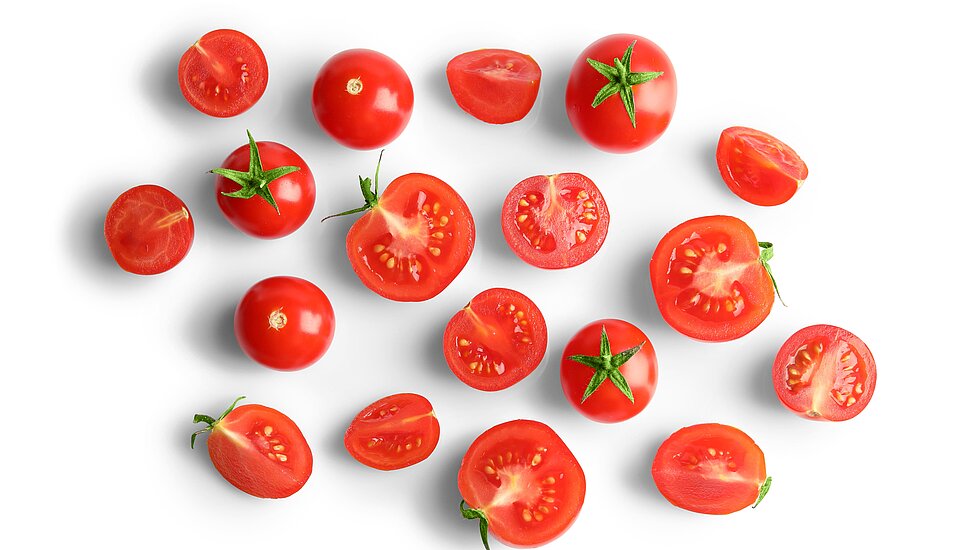
Because the Italian student Francesco Cirillo was so often distracted from his actual tasks in the 1980s and was thus short of time, he developed a resolution: He would work for 25 minutes in a highly concentrated manner and then take a short break in order to start the cycle all over again. He stopped the time with a kitchen alarm clock. Because it looked like a tomato, he named his newly developed time management method "Pomodoro" - Italian for tomato. 

The basic principle of the Pomodoro Technique is simple: Pomodoros - as the 25-minute phases of concentrated work are called - alternate with regular breaks. This increases productivity without working yourself to exhaustion. The regular breaks also mean you're not sitting at your desk non-stop all day - your back will thank you.

A Pomodoro cycle consists of seven steps - and takes about two and a half hours total, depending on the length of your breaks: 

  1. Select a task. 
  2. Set alarm for 25 minutes.
  3. Work on task until it rings.
  4. When the timer rings, check the completed task off the to-do list.
  5. Take three to five minute break.
  6. Repeat items 2 through 5.
  7. After the fourth pass, take a 20 to 30 minute break.

Before starting the actual pomodoro, good preparation is important. Complete these four steps before you start your (tomato) alarm clock for the first time: 

Write down and prioritize tasks.

Summarize all open tasks in a to-do list and sort them by urgency and importance. 

Estimate the time needed

Estimate how much time you will need for each task. It's not easy at first, but you'll quickly get better at calculating. Express the time needed in 25-minute work units. Break large tasks down into sub-steps and group to-dos that can be completed quickly into a pomodoro.  

Calculate time budget

Calculate how many pomodoro intervals you can get through today and schedule all the pomodori on your calendar.

Schedule tasks

Assign a task from the to-do list to each Pomodoro slot on the calendar and get started.


You may also be interested in

Productivity

Meeting Recording Software for Teams That Work With Clients

Here's how to keep every recorded call organized, accessible, and in the right place from the start.

Productivity

The Team Workspace Built for Client Work

Most teams have enough tools. What they're missing is one place where everything works together - chat, files, tasks, and meetings in a single…

Productivity

The Best Collaboration Tool for Remote Teams in 2026

Most remote teams don't have a collaboration problem- they have a tool fragmentation problem. Here's how one platform replaces the five-app stack for…

Productivity

Workspace Organization Tips That Actually Work

A messy workspace costs your team over four hours a week. Here's how to organize your desk, your files, and your team tools - so everyone knows where…

Productivity

Client Collaboration Software That Works for Your Team

How client collaboration software brings your team and clients into one shared workspace for clearer communication.

Productivity

How habit stacking makes you more productive

How to use established habits to develop new routines that make you even more productive.

Productivity

Effective time management with the Eisenhower matrix

The Eisenhower matrix helps you to organise tasks according to urgency and importance in order to make your day-to-day work more efficient.

Productivity

Boosting motivation: How to stay focussed and productive in everyday business life

Five practical approaches that can help you stay motivated even in challenging phases.


Productivity

Tips for efficient asynchronous communication

Efficient asynchronous communication saves time, reduces distractions, and improves collaboration. Here’s how to do it right!


Productivity

3 thinking errors that slow you down

To think is the basis of our actions, but we regularly make mistakes in the process. Three typical thinking errors - and how you can resolve them.

Newslettercontact-btn